
The Google Business Photo That Gets the Most Clicks
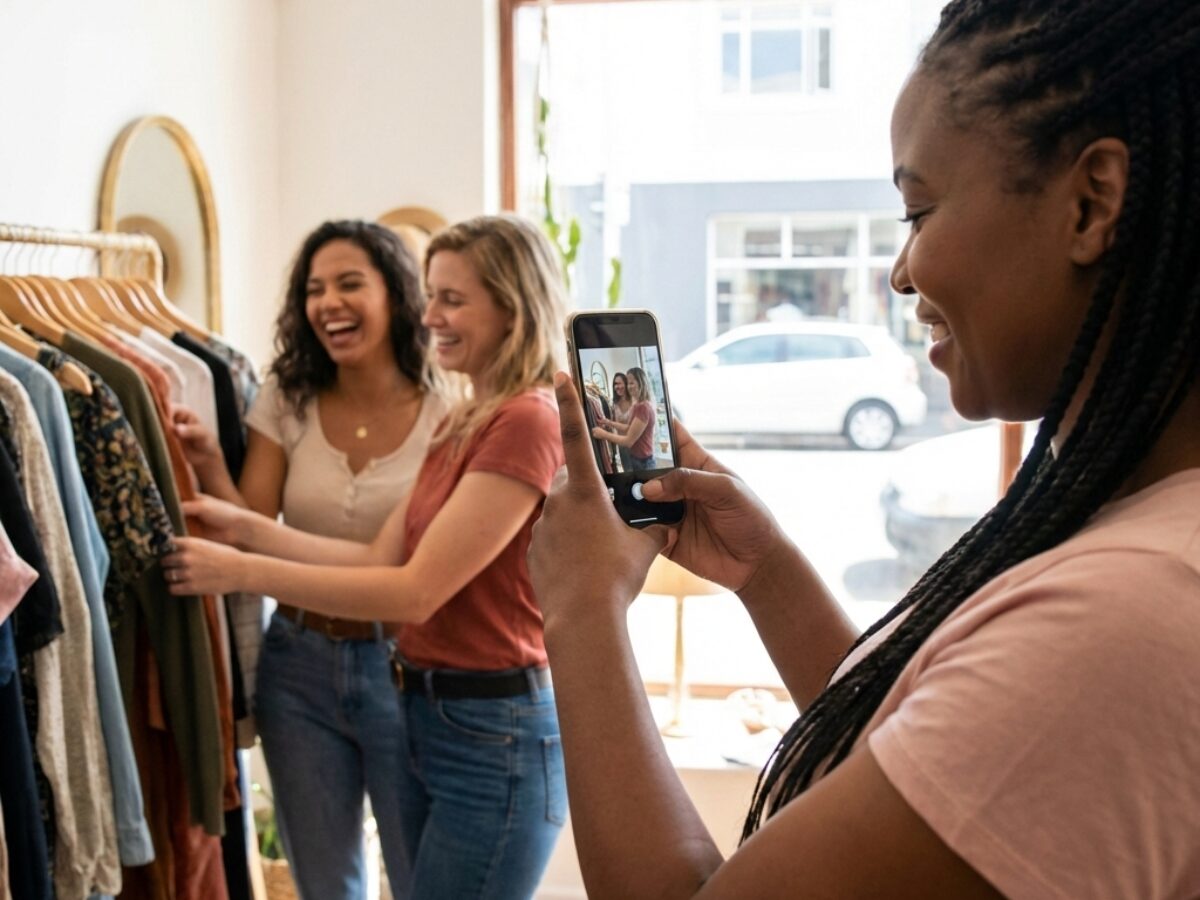
The Google Business photo that gets the most clicks isn’t your logo or a fancy building shot. It’s the one that shows real people doing real things inside your business. Here’s why that matters and how to get it right.
Why Your Google Business Photos Matter
When someone searches for your type of business, they’re scrolling through a bunch of options. Your photos are what make them stop and click. But most businesses get this completely wrong.
They upload professional shots that look sterile. Or they use stock photos that scream fake. Neither works.
I met a restaurant owner in Pretoria who couldn’t figure out why her competitor got more clicks. Her photos were professionally shot – perfect lighting, empty tables, everything staged. The competitor’s photos? Blurry phone shots of actual diners eating and laughing. Guess which one got more bookings?
The Photo Type That Actually Works
Here’s what Google’s data shows. Photos with people in them get way more engagement than empty shots. We’re talking about real customers using your service or browsing your shop.
Not models. Not staged scenes. Just regular people doing what they came to do.
A hardware store in Paarl started including customers in their photos. They saw clicks jump by almost 40% in two months. That’s not a small difference.
Why People Click on These Google Business Photos
Think about what you’re actually showing. An empty shop tells someone nothing. But a photo of someone getting helped by staff? That tells a story.
It shows your business is busy. It proves real people trust you enough to walk in. Most importantly, it helps potential customers picture themselves there.
Your brain does this automatically. You see someone enjoying a coffee, and you imagine yourself enjoying that same coffee. Simple psychology, but it works.
How to Take Google Business Photos That Get Clicks
You don’t need a fancy camera. Your phone works fine. Here’s what you do need:
Good natural light. Take photos during the day when sunshine comes through your windows. Flash makes everything look harsh and uninviting.
Real moments. Don’t ask people to pose. Snap photos while they’re actually shopping or eating or getting served. Candid shots feel more authentic because they are.
A variety of angles. Get some wide shots showing your whole space. Then zoom in on details – products, food, services happening. Mix it up.
What Not to Include in Your Photos
Skip the professional headshots of your team in matching shirts. They look corporate and cold. If you want team photos, get them while they’re actually working.
Don’t upload blurry disasters either. There’s a difference between candid and careless. Make sure the photo’s clear enough that people can see what’s happening.
And please, no photos of just your logo or building exterior as your main image. Save those for later in your gallery.
The Best Google Business Photo to Upload First
Your cover photo matters most. It’s the big one people see first. Make it a shot of your busiest, happiest moment.
For a coffee shop, that’s customers chatting over cups. In a salon, it’s someone getting their hair done. For a gym, it’s people actually working out.
There’s a butchery in Johannesburg that uses a photo of their counter packed with customers on a Saturday morning. You can feel the energy. That’s the photo that gets clicks.
How Often to Update Your Google Business Photos
Add new photos every few weeks. Google likes fresh content, and so do customers. It shows you’re active and current.
Snap photos throughout the week and upload the best ones. Seasonal shots work great too – decorations during holidays, summer specials, winter warmers.
Just keep it regular. Businesses with recent photos get more clicks than those with year-old images.
Getting Permission to Use Customer Photos
Quick tip – ask people before you post their photo online. Most folks are fine with it, but you need to check.
Keep it casual. “Mind if we use this on our Google page?” Usually gets a yes. If someone says no, delete it and move on.
Some businesses put a small sign near the entrance: “Smile! We might share photos on our Google Business Profile.” That covers you for candid shots.
Track Which Google Business Photos Get Clicked
Google Business Profile shows you which photos get viewed most. Check your stats every month or so. You’ll start seeing patterns.
Maybe photos with your products get more views than service shots. Or perhaps close-ups beat wide angles. Use that info to take better photos next time.
A bakery owner in Cape Town told me she discovered her cake close-ups got triple the views of her shop interior. Now she knows what to post more of.
Start Taking Better Photos Today
Grab your phone right now. Wait for good light. Then take five photos of real activity in your business.
Upload them to your Google Business Profile tonight. Check your click stats in a week. You’ll see the difference yourself.
The Google Business photo that gets the most clicks shows real people enjoying what you offer. Everything else is just decoration.